
How to Use a Recruitment App to Manage Your Shifts and Pay
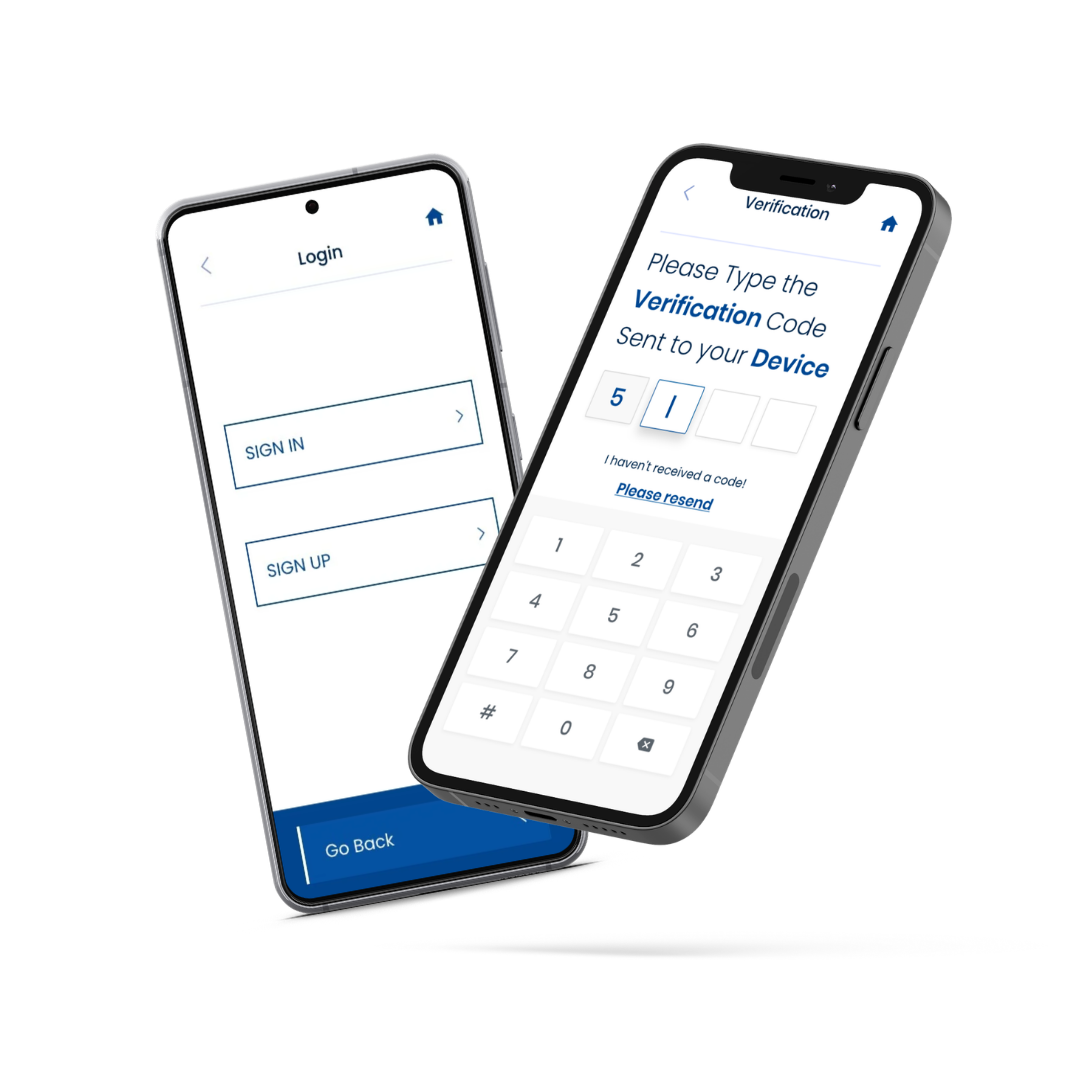
Managing temporary work doesn’t have to mean keeping track of everything yourself
You have a shift tomorrow morning, another one later in the week and a message somewhere telling you where you need to go.
Then you start wondering: What time does the shift start? Where is the site? How many hours have I worked this week? And when will I get paid?
For temporary workers, keeping track of changing shifts and hours can sometimes feel like a job in itself.
The recruitment app can make it much simpler.
With Extrastaff, the mobile app brings important information about your work into one place, including upcoming shifts, job details, hours worked, earnings and weekly progress.
Here’s how to make the most of the recruitment app when you’re working temporary shifts.
What can you use the Extrastaff recruitment app for?
The recruitment app is designed to give you easier access to information about your work without having to rely on paperwork or keep searching through messages.
With the Extrastaff app, workers can use it to:
- View upcoming shifts
- Check key job details
- Access location information
- Review completed shifts
- Track hours worked
- Keep an eye on earnings
- Monitor weekly totals and progress
- Receive updates and stay connected with their work
- Access payslips
- Access benefits platform
- Book holiday
At Extrastaff, we use the app as a way for workers to manage their working week from their mobile, with shift and job information available in one place.
That means you can spend less time trying to remember the details and more time preparing for your next shift.
Step 1: Complete your registration
Before you can start using our recruitment app to manage your work, you’ll normally need to register with Extrastaff.
With Extrastaff, registration can be received on your email to complete through our app once you’ve spoken to a representative first, with the app guiding candidates through the required stages.
This includes information such as:
- Personal details
- Employment history
- Work preferences
- Legal agreements
- Other information needed to complete your registration
The app shows your progress as you work through the registration process, helping you see what has been completed and what still needs attention.
Take your time when entering your information. Making sure your details are accurate from the beginning can help avoid unnecessary delays later.
Once your registration has been submitted, the app confirms completion which is passed to our Compliance team and if successful then the Extrastaff team will contact you about the next steps, including arranging your interview.
Step 2: Check your upcoming shifts
Once you’re working through the agency, one of the most useful reasons to have the recruitment app is being able to see your upcoming work.
Instead of relying on memory, check the app regularly.
Extrastaff’s app provides a view of upcoming shifts and key job details, helping you see what is coming up during your working week.
Make checking your schedule part of your routine.
For example, you could check it:
- At the start of the week
- The evening before each shift
- Before setting off for work
This gives you a chance to check the start time, location and other important details before you leave home.
Step 3: Check the job details before travelling
Knowing that you have a shift is only part of the preparation.
Before setting off, check the information provided for the job.
Pay particular attention to:
- Location: Make sure you know where you’re going and allow enough time for your journey.
- Start time: Check the actual shift time rather than relying on what you worked last time.
- Job details: Make sure you understand the role or assignment you are attending.
- Shift information: If anything appears different from what you were expecting, check with your recruitment consultant before travelling.
The Extrastaff app is designed to give workers access to job and location information alongside their shift details.
A quick check can prevent a lot of unnecessary stress.
Step 4: Keep track of the hours you’ve worked
If you’re working temporary shifts, your hours can change from week to week depending on your availability and preferences.
Being able to see your hours in the app gives you a simple way to keep track of your working week.
The Extrastaff app provides workers with access to hours worked and weekly totals, allowing you to review your progress rather than trying to calculate everything yourself.
It’s still sensible to know what hours you have worked, particularly if something doesn’t look right.
If the hours shown in the app don’t match your understanding of the shifts you completed, contact your recruitment consultant so the discrepancy can be checked.
Step 5: Keep an eye on your earnings
For many temporary workers, one of the most useful features of our recruitment app is being able to see information about earnings.
The Extrastaff app gives workers access to earnings alongside their hours and weekly progress.
This can make budgeting easier because you have a clearer picture of how much work you have completed.
However, don’t assume that an amount displayed in the app is automatically the exact amount that will reach your bank account. Your final pay can depend on the applicable payroll arrangements and deductions.
If you have a question about your pay, the best approach is to contact your Extrastaff representative.
Step 6: Check your hours and pay regularly
You don’t need to spend a long time checking the app every day.
A quick review can be enough.
At the end of the week, look at:
- Shifts completed
- Hours recorded
- Weekly totals
- Earnings shown
- Any relevant updates
If everything looks correct, you know where you stand.
If something doesn’t look right, raising it promptly to your representative at Extrastaff gives the recruitment team an opportunity to investigate.
Keeping your own basic record of the shifts you work can also be useful, particularly if you regularly work different hours.
Step 7: Keep your details up to date
Your circumstances can change.
You might move house, change your phone number, update your availability or develop a new qualification.
Keeping your information current helps your recruitment agency understand what work you can realistically take.
What if you can’t attend a shift?
The Extrastaff app can make it easier to keep track of your shifts, but it doesn’t replace communication with your recruitment consultant.
If something happens and you cannot attend a shift you’ve agreed to work, contact your Extrastaff representative as soon as possible before your shift.
Temporary staffing often depends on employers knowing who is going to be there. Giving the agency as much notice as possible gives them a better chance of dealing with the situation.
It also helps protect your reputation as a reliable worker.
How the Extrastaff app can make temporary work easier
The biggest benefit of a good recruitment app is not necessarily one particular feature.
It’s having your work information in one place.
Instead of trying to remember:
“Was that shift Wednesday or Thursday?”
You can check.
Instead of wondering:
“How many hours have I done this week?”
You can check.
And instead of searching through different messages for the location of tomorrow’s job, you can access the information through the app.
Extrastaff’s mobile app is designed around exactly this idea: giving workers access to shifts, job details, hours, earnings and progress in one place.
Frequently asked questions
What is the Extrastaff app?
The recruitment app is a mobile application provided by Extrastaff to help candidates manage aspects of their work. Features vary, but they can include job information, shifts, timesheets, earnings, communication and registration.
Can I see my shifts on a recruitment app?
Yes, if your recruitment agency provides this feature. Extrastaff’s mobile app allows workers to view upcoming shifts, completed work and key job details.
Can the recruitment app show how many hours I’ve worked?
The app gives Extrastaff workers access to hours worked and weekly totals, making it easier to keep track of their working week.
Can I check my earnings through a recruitment app?
With the Extrastaff app, workers can view earnings alongside their hours and weekly progress.
Can I use the app to manage temporary work?
Yes. The recruitment app can make temporary work easier to manage by bringing shift information, job details, hours and earnings together. However, it doesn’t replace communication with your recruitment consultant when you need help or need to discuss a change to your work.
What should I do if my hours or pay don’t look right?
Check the information you have recorded and contact your Extrastaff representative as soon as possible if you have any questions.